Crawled, Currently Not Indexed: What That Bucket Is Telling You

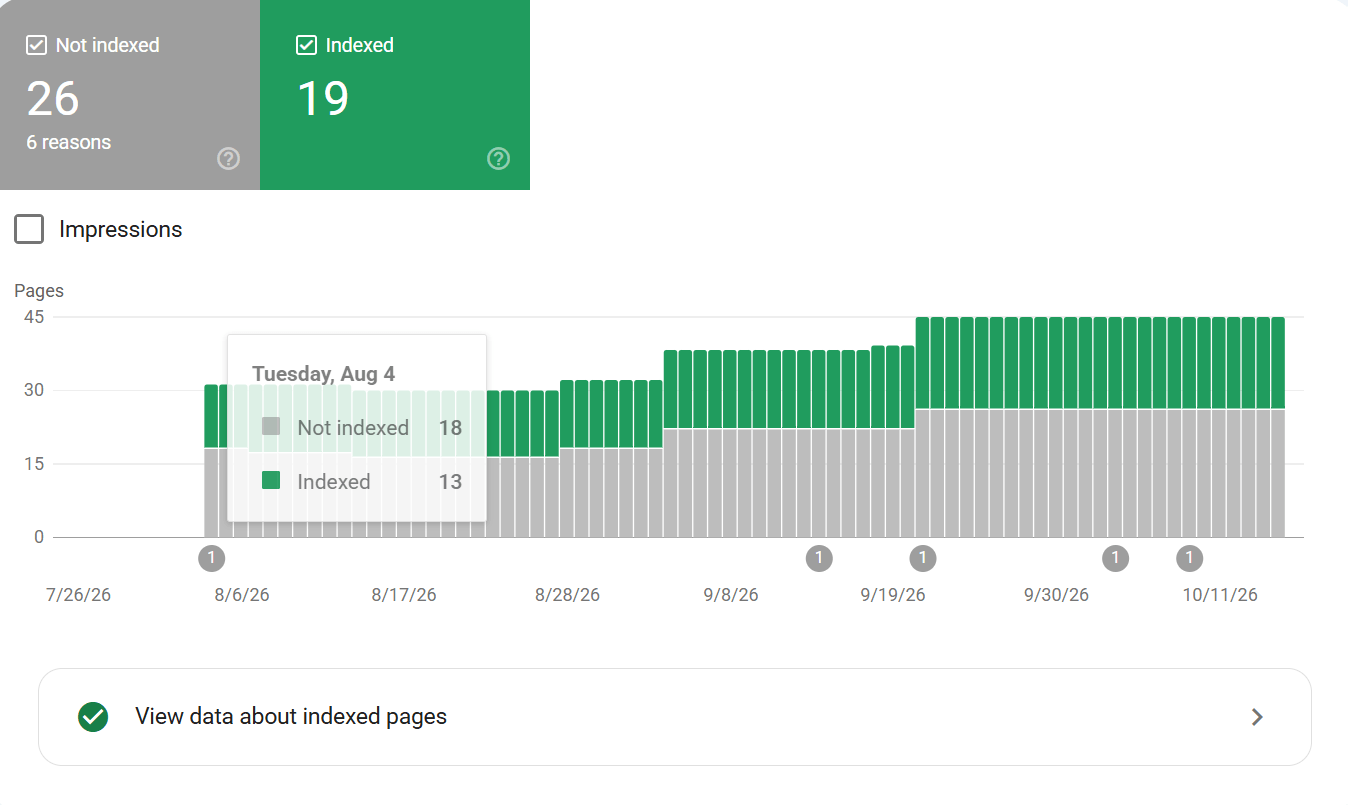
Every large site has a bucket that gets very little public attention, and every SEO has stared at it. In Search Console, under Pages, there is a category called “Crawled, Currently Not Indexed.” Pages land there after Google has crawled them and decided to leave them out of the index for now. The question that matters is why.
Table of Contents
What Crawled and Currently Not Indexed Mean
- Crawled: Google fetched the page and read it.
- Currently Not Indexed: Google set it aside for now. The words “for now” carry weight, because the decision can change with the next crawl. A page in this bucket is a page Google knows about and has chosen to wait on.
Why Google Leaves Crawled Pages Out of the Index
- Straightforward duplicates: a page that repeats another page on the site.
- Near-duplicates: pages that differ by a filter, a sort order, or a tracking parameter.
- Thin pages: pages with little original value, such as empty category pages or auto-generated location pages.
- Internal pages: pages that exist for internal reasons, like staging leftovers or old campaign pages.
- Low-priority pages: pages Google sees as low priority next to stronger pages on the same site.
On a site with hundreds or thousands of pages, some pages will always fall into this group, because crawl attention is limited and Google spends it where it expects the most value.
Which Unindexed Pages Deserve Your Attention
The ones tied to marketing goals. If a product page, a course page, or a key article sits in the bucket, that is a problem worth solving. Ask three questions about that page:
- Does it have a clear purpose a searcher would recognize?
- Does it duplicate another page that already ranks?
- Does internal linking point to it, or does the site bury it three clicks deep with no path from the homepage?
Fix the cause you find:
- Consolidate duplicates with canonical tags.
- Strengthen thin pages with real content that answers a real question.
- Link the page into the site’s main paths so crawlers and visitors both reach it.
Which Unindexed Pages Can Wait
- Filtered and parameter versions of pages that already rank.
- Old campaign pages.
- Sorted variants.
These pages add nothing to search results by being indexed. Google leaving those out is the system working as intended. Chasing every URL in the bucket wastes the time that should go to the pages that earn traffic.
How to Clear Unindexed Pages One at a Time
I treat the bucket as a triage list. Sort it by the page’s value to the business. Work from the top. Measure success by whether the pages that matter move into the index and hold their rankings, and whether the bucket stops growing for reasons you control.
- Open the bucket in Search Console, under Pages.
- Export the list when it is long.
- Mark every URL with the goal it serves, when it serves one. URLs with no goal go to the bottom of the list.
- Work the top of the list one page at a time: check the canonical tag, check the internal links pointing to the page, and check whether the content answers a question better than the page that already ranks.
One page fixed properly teaches you more than fifty URLs skimmed in an afternoon.
The AI Consequence of Staying Unindexed
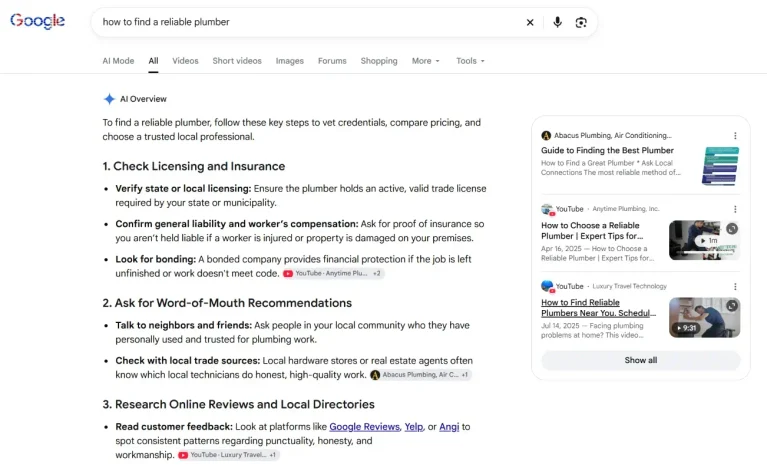
Indexation carries a second consequence now. AI Overviews and AI Mode, and Copilot answers, all retrieve from existing search indexes. A page outside the index cannot be cited by any of them, whatever its quality. The triage in this post therefore decides more than blue-link visibility. It decides whether a page can appear in AI answers at all.
What This Means for You
The bucket is a diagnostic tool. It shows where Google’s priorities and your priorities disagree. Your job is to close that gap for the pages that matter, and to leave the rest alone. That is prioritization in practice: limited crawl attention, spent where it earns something.
Sources